
No products in the cart.
What is an Email Suppression List?
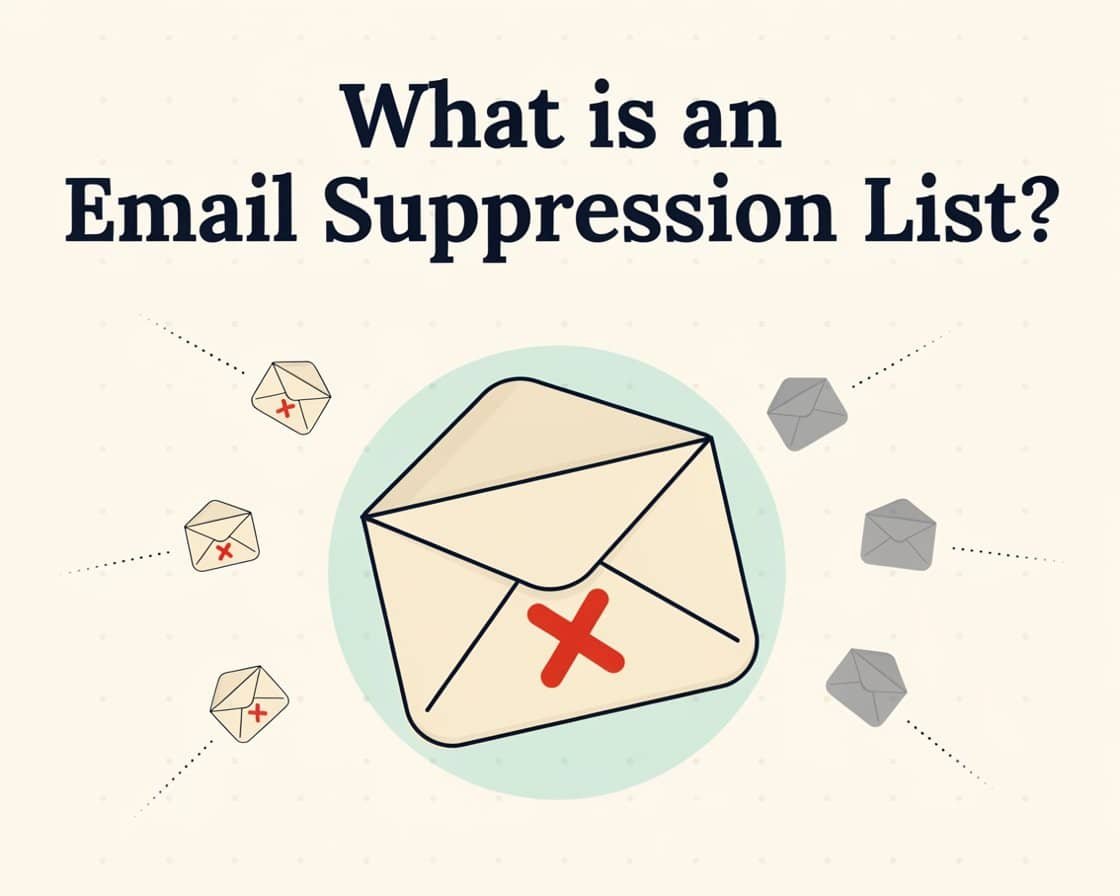
An email suppression list acts as a master “do not contact” database. Before any email is sent, an email service provider (ESP) filters the recipient list against this suppression list. If an address matches, it is automatically blocked from receiving the message, protecting your sender reputation and ensuring compliance with anti-spam laws.
Imagine you’ve just written the perfect email: a good subject line, useful content, and a clear offer. Before you hit send, your email tool checks your suppression list first. If an address is on it, that email skips them entirely, even if they’re technically still part of your bigger contact database. It’s a safety net that runs quietly in the background of every campaign you send.
Why does an Email Suppression List Matter?
It might sound like a small, technical detail, but a suppression list protects your entire email program in a few very real ways.
Keeps you compliant
Laws like GDPR in Europe and CAN-SPAM in the US require you to honor unsubscribe requests. A suppression list is what actually makes that promise real. Once someone opts out, they stay out automatically on every future send.
Protects your sender reputation
Email providers like Gmail and Outlook watch how people react to your emails. Sending to addresses that keep bouncing or marking you as spam drags your reputation down and makes it harder for all your emails to reach the inbox — not just the ones going to those addresses.
Improves engagement
When you stop emailing people who never interact with your messages, your open and click rates go up simply because you’re now only counting people who are actually paying attention.
Saves money
Most email tools charge based on list size or emails sent. Suppressing dead or uninterested addresses means you’re not paying to email people who were never going to respond anyway.
What goes into a suppression list?
A suppression list usually fills up with four main kinds of addresses:
Unsubscribed users
People who clicked “unsubscribe” and explicitly said they don’t want your emails anymore.
Hard bounces
Addresses that no longer exist or were never valid to begin with. If an email hard-bounces, there’s no point trying again.
Spam complaints
Anyone who has marked one of your emails as spam. This is a serious red flag, and suppressing it right away helps protect your reputation.
Inactive subscribers
People who haven’t opened or clicked anything from you in a long stretch, often six months or more. Many senders suppress these addresses too, since continuing to email unengaged people rarely pays off.

Types of Suppression Lists
Once you go beyond the basics, you’ll notice suppression isn’t one single list, different businesses use different layers of it, depending on how advanced their email program is.
Global suppression list
This is the master “never email” list, applied across every campaign and every list you own. Once an address lands here, it’s suppressed everywhere, no exceptions.
List-specific suppression
Sometimes you want to suppress someone from just one list or campaign type, rather than everything. For example, someone might opt out of promotional emails but still want to receive order updates.
Role-based suppression
Addresses like info@, admin@, or support@ usually belong to a shared inbox rather than a real person. Many experienced senders suppress these by default, since they rarely engage and can quietly hurt deliverability.
Compliance and legal suppression
Some addresses need to be suppressed for legal reasons, someone in a region with especially strict privacy laws, for instance, or a formal complaint that requires permanent removal.
Spam trap suppression
At a more advanced level, experienced marketers actively screen their lists for spam traps, old addresses that inbox providers quietly reuse to catch senders with poor list hygiene, and suppress them the moment they’re spotted.
Why Suppression is Crucial?
- Protects Sender Reputation: Repeatedly sending to invalid addresses or users who mark your mail as spam damages your domain and IP reputation, causing your emails to land in junk folders.
- Maintains List Health: It keeps your mailing lists clean of unengaged or risky contacts, improving overall campaign metrics.
- Ensures Legal Compliance: Respecting unsubscribe requests is legally required by regulations like the CAN-SPAM Act
Best Practices for Managing a Suppression List
Update it immediately
Add unsubscribes, bounces, and spam complaints to your suppression list right away, not at the end of the month.
Never delete, instead of suppressing
Suppressing is different from deleting. Keeping the record (even if you never email them) helps you avoid accidentally re-adding the same person later through an import or new sign-up.
Review inactive subscribers periodically
Instead of suppressing them outright, try a re-engagement email first. Some will come back to life; the rest can move to the suppression list with a clear conscience.
Keep it synced across tools
If you run campaigns from more than one platform, make sure your suppression list is shared or synced between them, so nobody slips through the cracks.
Bottom line:
An email suppression list isn’t about shrinking your audience — it’s about protecting it. By keeping unsubscribes, bounces, spam complaints, and inactive addresses out of your sends, you keep your reputation healthy, your compliance in check, and your engagement numbers honest. It’s a small, quiet piece of infrastructure that ends up doing a lot of heavy lifting for every campaign you run.


5 Comments